
Published Mar 28, 2026 · Updated Nov 3, 2026
The iPhone’s Clock app does the basics fine. But if you’ve ever slept through an important morning, hit snooze four times without remembering it, or woken up feeling like you got hit by a truck, the problem isn’t your discipline. It’s that a fixed beep at 6:30 AM is a terrible way to wake a human brain out of deep sleep.
The apps below attack that problem from different angles. Some force you physically out of bed. Some time the alarm to your lightest sleep stage. Some track your whole night so you can figure out why you’re tired in the first place. None of them are perfect, and this list says so where they fall short. The list isn’t padded either: every app here is genuinely better than the built-in option at one specific thing.
Jump to a section
Quick Picks
- Best for heavy sleepers: Alarmy (missions force you out of bed)
- Best smart alarm: Sleep Cycle (wakes you in your lightest sleep stage)
- Best for Apple Watch users: Pillow (watch-based stage tracking))
- Best free option: Apple Clock (already on your iPhone, costs nothing)
- Best for sleep insights: SleepWatch (reads your night, no watch needed)
- Best for falling asleep: BetterSleep (sounds and meditations to get you down)
- Best one-time purchase: AutoSleep (pay once, no subscription)
At a Glance
| App | Best For | Price | Rating |
|---|---|---|---|
| Alarmy | Heavy sleepers | Free + premium | ★4.8 |
| Sleep Cycle | Smart wake-up | Free + premium | ★4.7 |
| Pillow | Apple Watch owners | Free + premium | ★4.4 |
| Apple Clock | Free, built-in | Free | ★2.5 |
| SleepWatch | Sleep insights | Free + premium | ★4.7 |
| BetterSleep | Falling asleep | Free + premium | ★4.7 |
| AutoSleep | No subscription | $9.99 one-time | ★4.7 |
Alarmy — Best for Heavy Sleepers


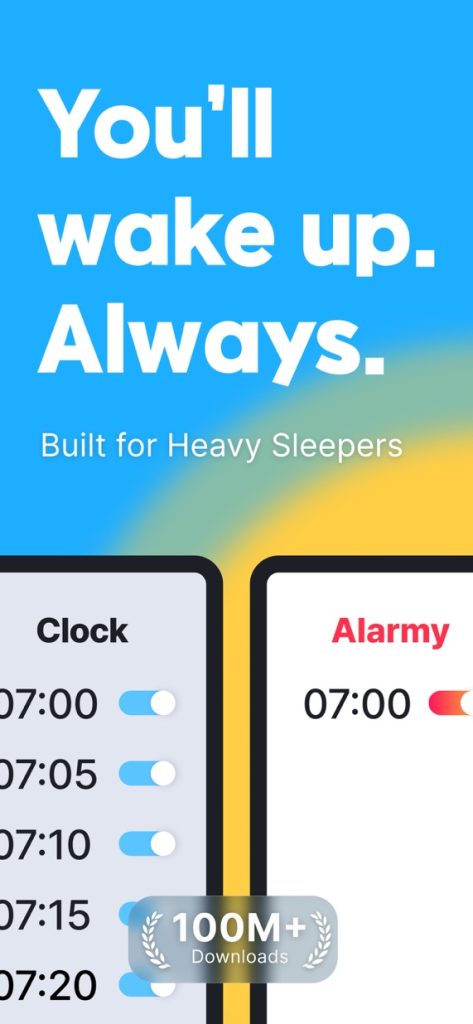
Alarmy doesn’t trust you around a snooze button, and honestly, it’s right not to. To shut the alarm off, you have to complete a mission first. You might have to photograph a specific spot in your home like the bathroom mirror or the front door, solve a few maths problems, shake your phone a set number of times, or scan a barcode you’ve taped somewhere inconvenient. The alarm keeps ringing until you finish.
It sounds extreme until you look at the numbers: 4.8 stars from over 240,000 ratings, mostly from people who describe themselves as lifelong oversleepers. The missions work because they force actual movement and enough brain activity to break the half-asleep snooze loop.
The trade-off is that the best features sit behind the premium subscription. Premium, which has a 7-day free trial, unlocks the full feature set. For a serial oversleeper, that’s money well spent. For everyone else, skip it.
Pricing: Free. Premium subscription unlocks additional features, with a 7-day free trial.
Sleep Cycle — Best Smart Alarm

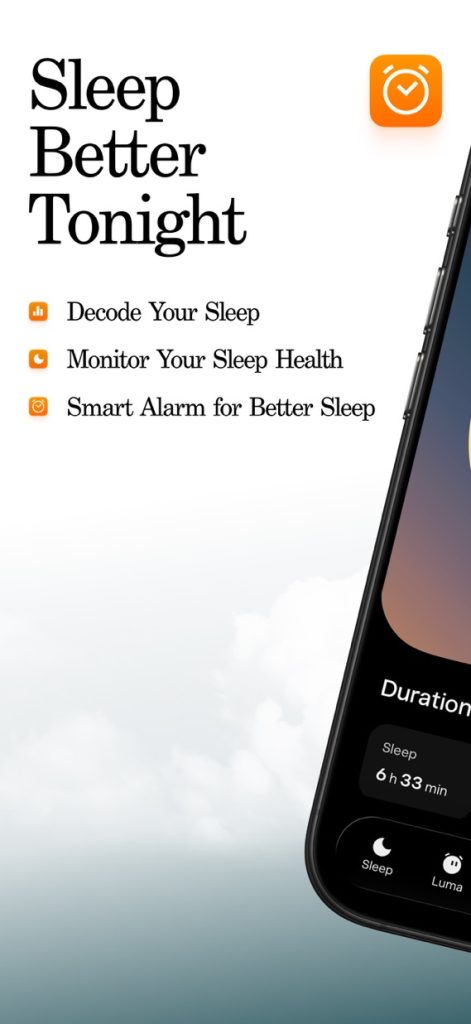
Sleep Cycle is the app that made “wake up in your lightest sleep phase” a mainstream idea. You set a window instead of a fixed time, say 7:00 to 7:30, and the app uses your phone’s microphone or accelerometer to figure out which sleep stage you’re in. It fires the alarm during light sleep, not the deep sleep where a sudden beep feels like an emergency.
The difference is real. Waking from light sleep is close to waking naturally. Waking from deep sleep leaves you groggy for an hour. Sleep Cycle also tracks your nights over time and records snoring and other sounds, then ties your sleep quality to notes about caffeine, exercise, and stress so you can spot what’s actually ruining your sleep.
The catch is that the deeper analysis lives behind a subscription.
Pricing: Free. Premium adds extras such as sleep stories, data export and Apple Health sync.
Pillow — Best for Apple Watch Users

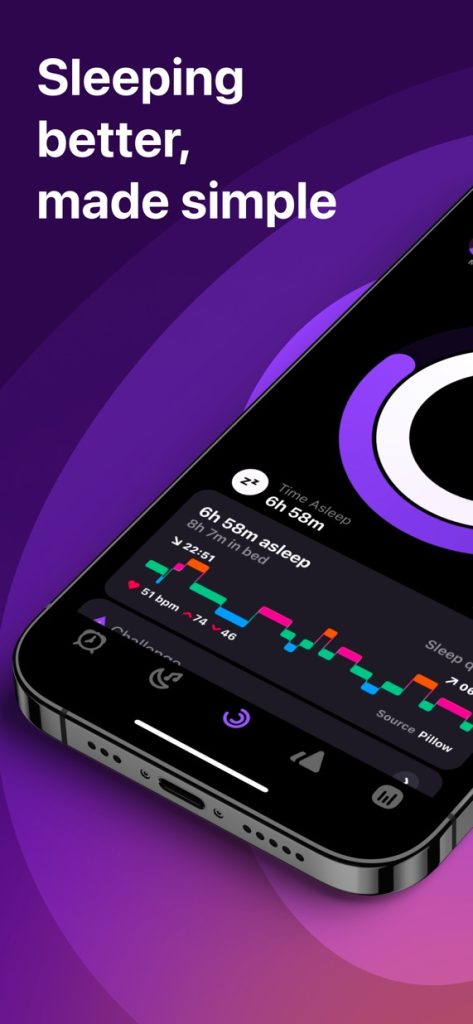
If you sleep with an Apple Watch on, Pillow can analyze your sleep stages automatically from the watch. It reads your heart rate and movement through the watch’s sensors to build a picture of your sleep stages, light, deep, and REM, with more accuracy than any phone-only app can manage. The smart alarm wakes you in the lightest stage of your chosen window.
It also records audio events like snoring and sleep talking, and lets you compare your sleep with Apple Health metrics. For the data-hungry, that integration is the whole appeal. If you’re already one of the people covered in our roundup of the best Apple Watch apps, this is the natural sleep add-on.
The honest downside is the rating: 4.4 stars is the lowest of the paid apps on this list, and plenty of reviewers grumble that features other apps bundle free sit behind Pillow’s subscription. That’s a fair criticism. But for Apple Watch owners who want detailed sleep stage data, it is a strong option.
Pricing: Free. Premium subscription unlocks full history and sleep stage detail.
Apple Clock — Best Free Option

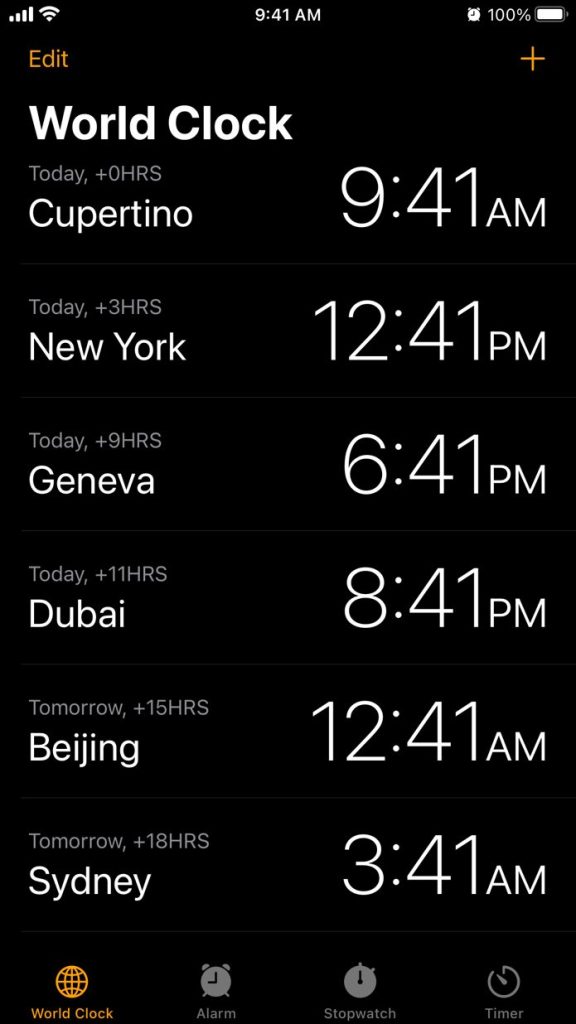
Before you spend a dollar, it’s worth remembering what Apple already ships. The stock Clock app does alarms, a sleep schedule through Health, and Sleep Focus integration, all free. For most people with normal wake-up habits, it’s genuinely enough.
Where it falls short is the same place every fixed alarm falls short: it wakes you at the time you set. Alarmy forces you up, Sleep Cycle and Pillow wake you at the right moment, and SleepWatch explains your nights.
One more thing worth knowing: Sleep Focus, the iPhone feature that quiets notifications overnight, is the thing that makes any alarm app genuinely useful. If you haven’t set yours up, our iPhone Focus Modes guide walks through it.
Related: Our roundup of the best StandBy mode apps for iPhone covers the nightstand display that pairs with the alarm you already trust, and our guide to the best iPhone apps for nurses and shift workers gets into alarms that survive a rotating roster.
Pricing: Free, built into iOS.
SleepWatch — Best for Sleep Insights Without a Watch

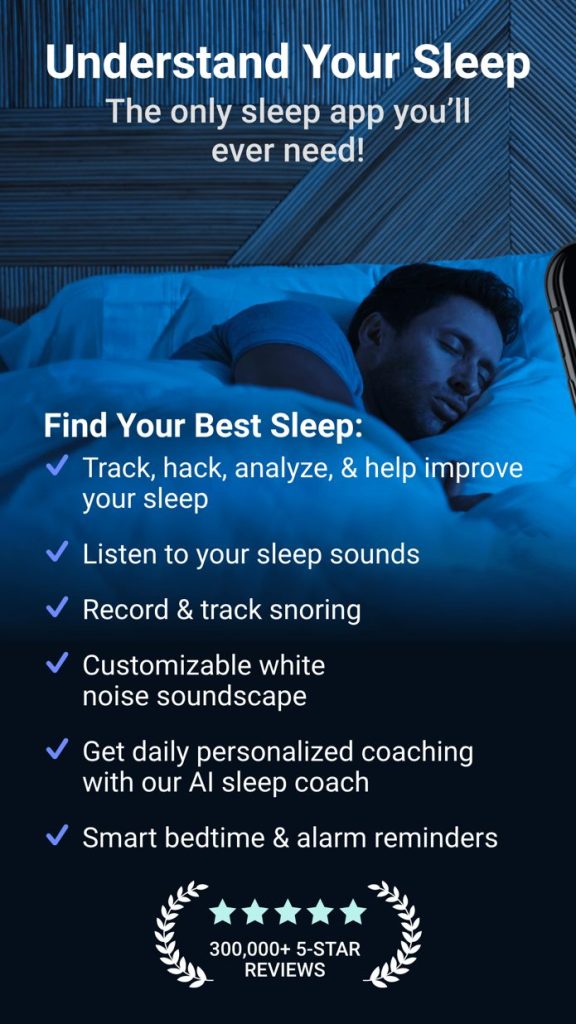
SleepWatch is the sleeper hit of the category, and not just because of the name. It tracks your sleep from your phone or your watch, and where it really shines is the analysis. It watches for snoring, gives you a sleep report and a SleepWatch Score that actually helps you decide whether to push a hard workout or take the morning slow.
You don’t need an Apple Watch to get useful data. The phone-only tracking is less precise than a watch, but the insights are still coherent, and that makes SleepWatch the best value for someone who wants to understand their sleep without buying more hardware. It’s also one of the highest-rated apps in the space at 4.7 stars from over 320,000 ratings.
The downside is the subscription. The best features, such as enhanced trends and the full white noise library, sit behind the premium tier. The free version gives you a taste, but the real product is paid. If you want to dig into sleep the way a data nerd would, this is your app. If you just want an alarm, it’s overkill. We cover it and its peers in more depth in our sleep tracking apps roundup.
Pricing: Free. Premium subscription unlocks full trends and analysis.
BetterSleep — Best for Falling Asleep

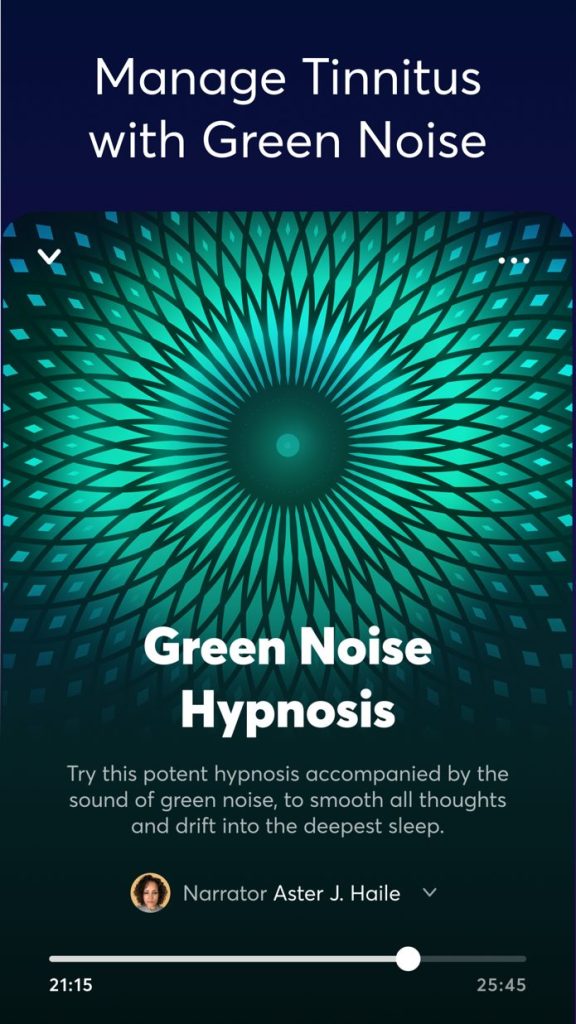
BetterSleep flips the problem around. Most alarm apps are about the morning. This one starts the night before, because the easiest way to wake up well is to fall asleep well in the first place. It packs a huge library of sleep sounds, guided meditations, and breathing exercises designed to wind your brain down.
The catalog is the reason it has 4.7 stars from nearly 400,000 ratings. White noise, rain, ocean, brown noise, plus narrated meditations and sleep stories, all mixed into custom soundscapes you can layer. It also does sleep tracking, so it covers more than a noise machine, not just a noise machine.
The criticism is the same one that follows every app in this category: the good stuff is gated. Much of the content requires a subscription. If you already sleep fine and only need an alarm, this is more app than you need. If falling asleep is the hard part, it’s arguably the most useful app on this list.
Pricing: Free. Premium subscription unlocks the full sound and meditation library.
AutoSleep — Best One-Time Purchase

AutoSleep is the answer for people who are done with subscriptions. It costs $9.99, once, and that’s the whole pricing model. For an Apple Watch owner, it’s one of the most respected sleep trackers on the platform, with 4.7 stars from over 60,000 ratings and none of the monthly-fee fatigue that comes with Sleep Cycle or Pillow.
The app runs quietly in the background and figures out your sleep automatically. You don’t have to remember to start or stop a tracking session, which is a bigger deal than it sounds, because the apps that make you tap “I’m going to sleep” are the ones people abandon after a week. AutoSleep also writes to Apple Health and gives you a readiness ring each morning.
The trade-offs are real. It’s a paid app in a category full of free downloads, and it’s watch-focused, so iPhone-only users get a lot less out of it. The interface is also dense compared to the polished look of SleepWatch. But if you want a no-subscription sleep tracker that just works, this is the one.
Pricing: $9.99 one-time. No subscription.
How Smart Alarms Actually Work
Smart alarms are built on the idea that sleep happens in cycles. Through the night you move between light sleep, deep sleep, and REM, and the stages repeat in roughly 90-minute loops. The Cleveland Clinic has a plain-English breakdown of how these sleep stages work if you want the full picture.
The smart alarm trick is to wake you during light sleep instead of deep sleep. You give the app a window, say 20 to 30 minutes, and it watches your movement and sound, or your watch’s heart rate, to pick the moment you’re closest to awake. Waking from light sleep feels close to waking on your own. Waking from deep sleep is why you sometimes feel like you’ve been yanked out of a dream with a headache.
It’s not magic, and the apps oversell it a little. A smart alarm can’t fix a 4-hour night, and it won’t make you a morning person. The grogginess you feel when a fixed alarm yanks you out of deep sleep even has a name, sleep inertia, and it can hang around for half an hour or more. But if you’re already sleeping enough and just hate the way a fixed alarm hits you, the timing genuinely helps.
Frequently Asked Questions
What is the best alarm app for heavy sleepers?
Alarmy. Its mission-based dismissal, which makes you photograph a specific spot in your home or solve maths problems before the alarm stops, is the most reliable fix for people who sleep through standard alarms.
Do alarm apps work when the iPhone is on silent?
Yes. Alarms override the silent switch and sound even when the phone is muted.
What is a smart alarm clock?
A smart alarm tracks your sleep and wakes you during your lightest sleep stage within a window you set, rather than at a fixed time. Sleep Cycle and Pillow are the two best-known examples on iPhone.
Do I need an Apple Watch to use these apps?
Not for most of them, but AutoSleep needs an Apple Watch to track your sleep, and Pillow can use one, but Sleep Cycle and SleepWatch both work fine using only the phone’s microphone and motion sensors.
Is a separate alarm app worth it if I already use the Clock app?
Only if a fixed alarm isn’t working for you. If you wake up on time and feel fine, the stock Clock app is all you need. If you oversleep, snooze constantly, or wake up groggy, one of the apps above earns its place.
Which One Should You Pick?
If you sleep through alarms, get Alarmy. If you wake up groggy, try Sleep Cycle’s smart alarm. If you wear an Apple Watch, Pillow or AutoSleep, depending on whether you’d rather subscribe or pay once. If falling asleep is the problem, BetterSleep. And if you just want to understand your nights, SleepWatch.
Our pick: Sleep Cycle. The smart alarm is the single biggest quality-of-life upgrade in the category, and it makes a good starting point for most people. Start there, and only reach for Alarmy or a watch-based tracker if the smart alarm alone isn’t enough.
Is your app on this list? Add a free "Featured on iOS App Lists" badge to your website or press kit.